
Six tools to evaluate for your road kit
| TOOL | WHY PACK IT | WHAT TO VERIFY |
|---|---|---|
| Anker USB-C car chargers | Essential category: a vehicle charger with enough power for your phone and, if needed, laptop. Anker offers several USB-C car-charging options; the right model depends on your devices, not the largest wattage printed on the box. | Check your laptop’s USB Power Delivery requirements, each port’s output when several devices are connected, cable ratings, and the vehicle outlet’s limits. A high total wattage does not mean every port delivers that amount. |
| Inseego MiFi X PRO 5G | Optional upgrade: a dedicated mobile hotspot for a laptop or tablet. The linked T-Mobile datasheet describes Wi-Fi, USB-C, and Ethernet connectivity. Start with your phone’s hotspot first if it already meets your needs. | Choose the carrier-compatible model and data plan for your actual route. Test coverage, tethering limits, hotspot allowances, and upload performance near appointments. A dedicated hotspot cannot fix a cellular dead zone by itself. |
| LapGear Home Office Lap Desk | Optional comfort upgrade: a portable surface for typing notes and updating your CRM between visits. A lap desk may make short sessions more comfortable than balancing a computer directly on your knees. | Measure the desk and your laptop against the available space. Use it only in a safely parked vehicle, keep vents clear, and stow it before moving. Never attach a work surface to the steering wheel while driving. |
| Brother PocketJet PJ-883-L | Specialist upgrade: a compact mobile printer for teams that regularly need paper at an appointment. Brother lists Wi-Fi, AirPrint, a battery, and thermal printing for this model. It is not a first purchase for a mostly digital workflow. | Confirm device compatibility, thermal paper requirements, consumable costs, document readability, and the exact battery or accessories in your bundle. Test your actual forms and retention requirements before relying on thermal output for important records. |
| Bosch BLAZE GLM165-27CGL | Property-visit upgrade: a laser measure for preliminary room dimensions and planning notes, used with the homeowner’s permission. Bosch describes a connected green-beam model; a basic tape measure may be enough for occasional visits. | Follow laser-safety instructions and verify measurements. Do not treat a quick reading as a survey, appraisal, code inspection, or verified listing square footage. Measurement conditions and your method matter. |
| NOCO GB40 | Roadside backup category: a portable jump starter for compatible vehicles. NOCO describes the GB40 as a 12V unit for specified gasoline and diesel engine sizes. Select equipment for your vehicle rather than assuming one pack fits every car. | Check the vehicle manual, battery chemistry, engine-size limits, charge level, and storage temperatures. Follow both manuals; do not use it on incompatible high-voltage systems or a damaged battery. Call roadside assistance when unsure. |
Build the kit in three layers
Start with a work bag you take indoors each day, a small homeowner-visit pouch, and a secured roadside kit. The work bag holds electronics and confidential material. The visit pouch keeps simple supplies easy to reach without searching through the trunk. The roadside kit stays secured in a suitable storage area, subject to each item’s temperature and maintenance requirements. Separating these jobs makes packing faster and reduces the chance of leaving sensitive records behind.

Layer one: a mobile office that works while parked
Carry your existing phone and laptop or tablet, a compatible car charger, two known-good cables, and a charged backup power bank when appropriate. Download appointment details, approved forms, and offline maps before leaving. Test your hotspot, CRM, scanning app, and approved e-signing workflow from a parked location. Bring headphones or a headset for private calls while parked, but remember an open window or nearby person can still expose a conversation. Do not leave rechargeable electronics in a hot or freezing car; follow each manufacturer’s limits.
Layer two: a homeowner-visit pouch
Pack a clipboard, notebook, working pens, business cards, a basic tape measure, flashlight, shoe covers, and any documents your role and appointment require. Ask permission before entering, photographing, recording, or measuring. Keep notes factual and separate homeowner statements from your observations. Investors can use a repeatable condition-and-repair checklist; agents can use a buyer, seller, or listing-appointment checklist. Neither replaces a qualified inspection. Do not enter unsafe areas, touch exposed wiring, disturb suspected hazardous material, or treat a flashlight as permission to explore.
Layer three: roadside and personal essentials
Keep a first-aid kit, drinking water appropriate to the weather, a weather layer, charging cables, and vehicle-specific emergency supplies. Check tire equipment and roadside-assistance details before long routes. Choose warning devices suited to local rules and use them only when safe; keeping a reflective vest accessible can help you avoid rummaging for it beside traffic. Secure loose equipment so it cannot move during braking. Keep a trusted colleague informed of your appointment schedule and check-in plan.
When a portable printer is worth the space
A printer earns its place when an approved paper workflow repeatedly prevents a second trip—not just because printing from a car sounds useful. First ask whether a secure digital copy or approved e-signature process solves the need. If paper is necessary, print only the relevant pages, keep blank forms current, and protect completed documents from view. Do not assume a device, printing method, or electronic signature meets every legal, brokerage, lender, or retention requirement; confirm the process with the responsible professional.
A five-minute reset after every appointment
Before moving, park safely and capture the visit outcome: property, homeowner priorities, facts to verify, agreed next action, owner, and due date. Upload only authorized photos and documents to the right record. Schedule the promised call, send the agreed follow-up, and confirm the next destination before driving. Put paperwork away, disconnect and secure equipment, and leave the work surface clear. Finish CRM updates before pulling into traffic; a red light is not a mobile-office session.
Keep homeowner information out of the wrong hands
Use device locks, multi-factor authentication, and your organization’s approved apps and network protections. Avoid leaving homeowner lists, signed forms, or screens visible in the vehicle. Take sensitive records and electronics indoors rather than storing them in the car overnight. A hotspot is not a complete security solution: access permissions, updates, backups, and handling practices still matter. Do not record a conversation without the permissions and legal basis required for that situation.
Spend on the bottleneck, not the gadget
If your battery dies, solve power first. If forms will not upload, test carrier coverage and offline workflows before buying another device. If notes disappear between stops, fix the checklist and CRM handoff before adding hardware. Pilot the kit on one normal day, remove what you never use, and replenish supplies each week. Compare current manufacturer pricing, included accessories, return terms, and recurring service costs; the items above serve different jobs and are not substitutes for one another.
Questions worth asking before you decide
- 01Power: will the charger and cables run your actual devices without exceeding the vehicle outlet’s limits?
- 02Coverage: have you tested your connection in the neighborhoods you visit, not just at the office?
- 03Compatibility: can your phone or laptop connect, scan, print, and access approved documents with the chosen equipment?
- 04Safety: is there a safe place to park, and can every item be secured before driving?
- 05Privacy: can homeowner records, conversations, photos, and signed documents be handled securely?
- 06Storage: what must come indoors because of temperature limits, theft risk, or confidentiality?
- 07Value: does each upgrade prevent a real delay, and what accessories or monthly charges does it add?
Beyond the vendor: reviews & Reddit discovery
Look for independent tests and owner reviews of the exact model, not just the brand. Check device compatibility, heat limits, power delivery, durability, and included accessories. A general brand review is not a test of the particular tool in this guide.
Find reviews and Reddit discussions for every option
Review and Reddit searches are discovery tools, not verified evidence. Check dates, incentives, and reviewer context. See how we compare tools for our sourcing approach.
Evidence behind the recommendation
Sources checked . Customer-review observations are paraphrased individual accounts.
A mobile office must not become a distracted-driving setup
NHTSA defines distraction broadly: texting, phone conversations, adjusting navigation, and any other activity that takes attention from driving. It notes that sending or reading a text can take a driver’s eyes off the road for five seconds.
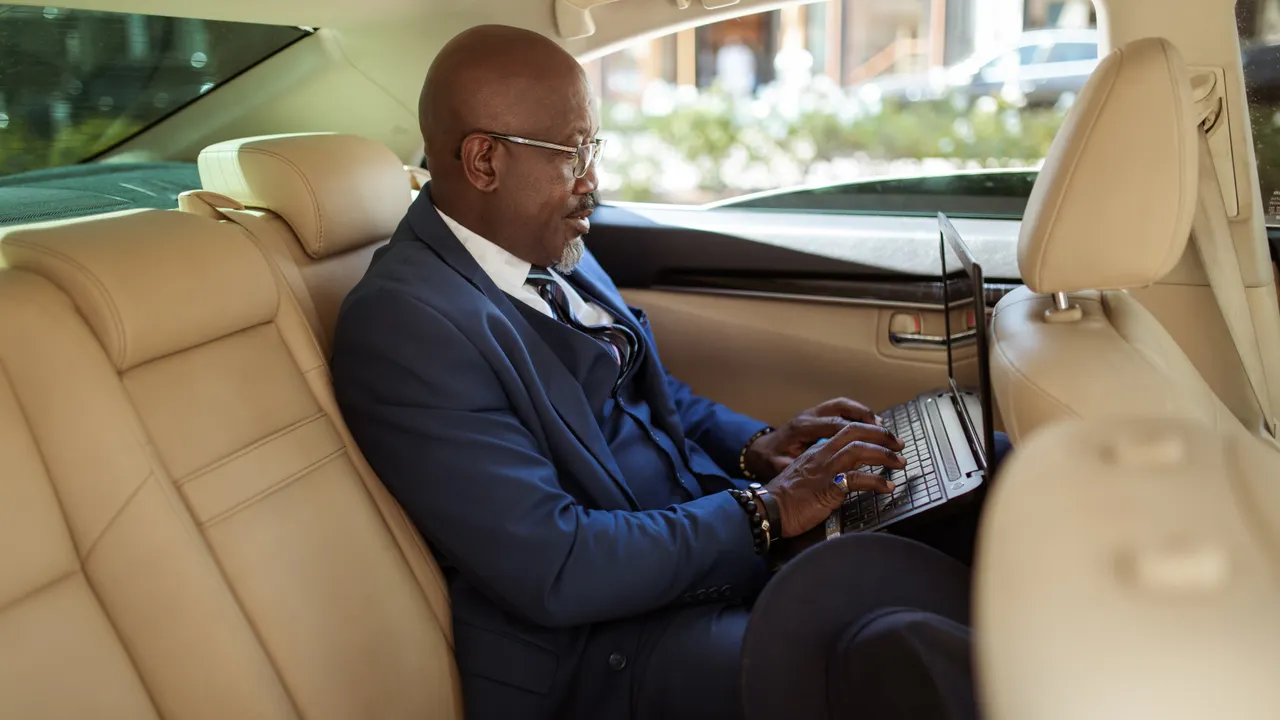
Use the work kit only when safely parked, or work as a properly belted passenger without obstructing the driver. A phone mount, voice assistant, or hired driver is not a reason to compromise attention or seat-belt use.
Keep comparing
Use adjacent guides to clarify the operating choice. Attribute accessible review-site accounts as individual experiences; Reddit links and searches are discovery leads, not evidence we claim to have read or verified in full. Check product details and terms against current provider materials.
Frequently asked questions
What should a real estate agent or investor keep in their car?+
Start with a compatible charger, cables, phone, appointment information, clipboard, pens, business cards, flashlight, tape measure, first-aid supplies, and vehicle-appropriate roadside equipment. Add a laptop or tablet and optional hotspot, lap desk, or printer only when the workflow calls for them. Remove electronics and sensitive records when the vehicle is unattended or storage conditions are unsuitable.
Do I need a dedicated hotspot to work from my car?+
Not always. Test your phone’s hotspot and plan allowance first. A dedicated device may help with battery management or connecting several devices, but its usefulness depends on carrier coverage, model compatibility, and data limits. Download essentials before entering areas with weak service.
Can I charge a laptop from a car USB port?+
Only if the port or adapter supplies the power and charging protocol your laptop requires. Many built-in ports are insufficient. Check the laptop, charger, cable, and vehicle outlet specifications, including shared output across ports. Do not assume a USB-C connector guarantees laptop charging.
Is a portable printer essential for homeowner visits?+
No. It is an optional tool for a recurring, approved paper workflow. Digital delivery or approved e-signing may be simpler. If printing matters, test connectivity, paper type, accessories, and document-retention needs before relying on it at an appointment.
Is it safe to leave a power bank or jump starter in a car?+
Temperature and storage limits differ by product. Follow the manufacturer’s instructions, inspect the equipment, and keep it charged as directed. Do not leave lithium-powered devices in conditions outside their specified limits, or use damaged or swollen batteries.
How should I use a laptop while working from the road?+
Pull into a safe, legal parking location and fully stop before using a laptop or completing work tasks. Keep equipment clear of controls and airbags, maintain device ventilation, and stow everything before driving. Avoid idling in enclosed spaces and never use a parked-work setup while the vehicle is moving.
For current product details, visit the official vendor pages. Product scope, available functions, integrations, and commercial terms can change.